
Reclaim Today
The 7-Day Sprint
Join a cohort and build your own AI apprentice
You bring one real task. You leave with something that does it.
$497 · Dates announced soon
I have a confession. I'm always looking for a shortcut to the work I don't want to do.
I chased tools for two years and just ended up supervising them. Then I built an apprentice instead, and it worked. It reads my email, drafts my performance reviews, and runs my content research. It has never sent a single thing without me.
In seven days, you'll have one too.
Why most
AI training
doesn’t stick
Fewer than 30% of people who complete AI training are still using the tools in their workflow ninety days later.
It isn't that the training is bad. It's that nobody builds the thing that keeps it alive: a real task chosen up front, a first attempt that produces something usable, and a scheduled moment to fix what broke before giving up becomes a habit.
That's what these seven days are built around.
How the 7 days work
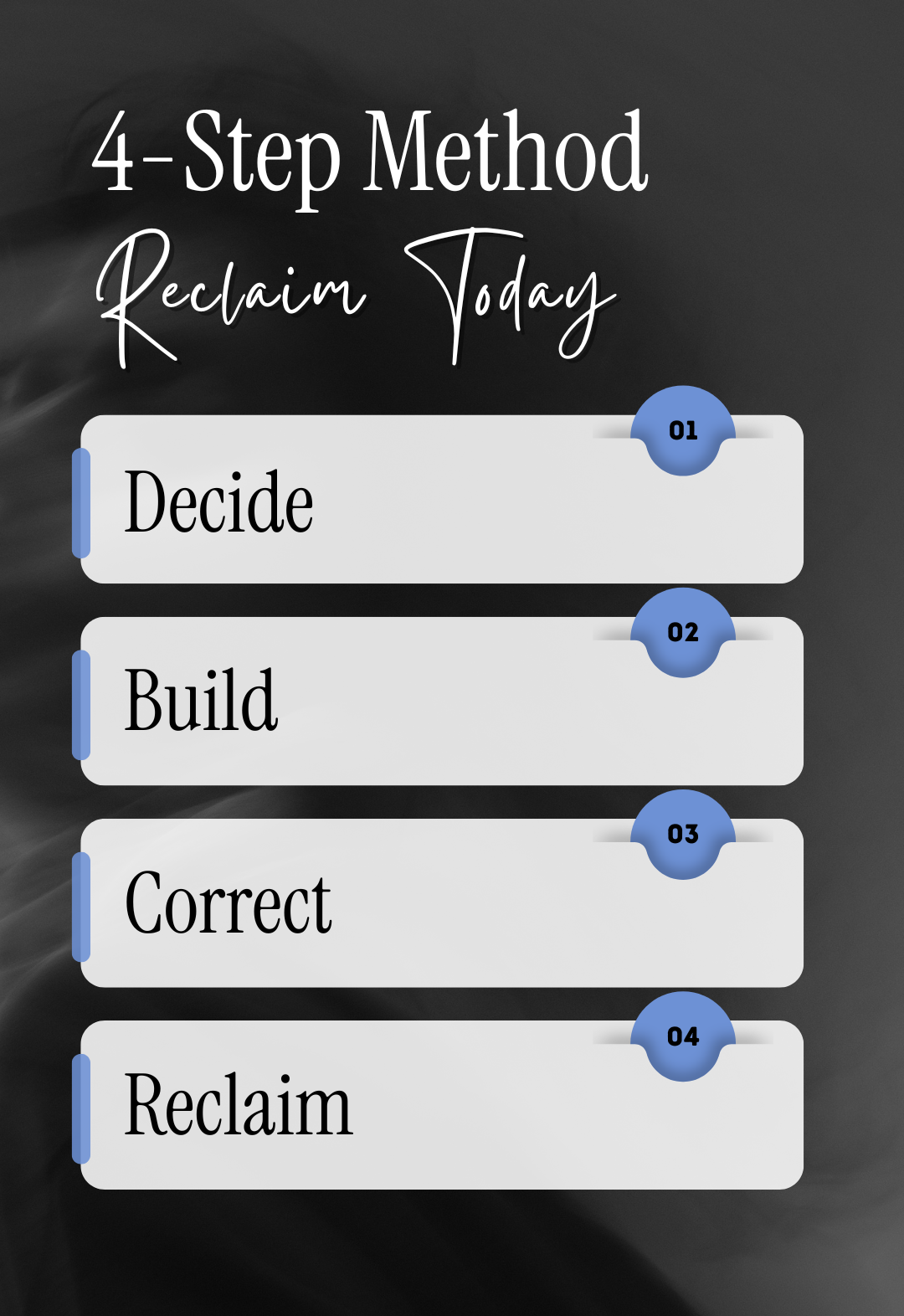
Decide
Day 1, live. You bring a real task. We find the line between what your apprentice carries and what stays yours, and you leave able to sort any task in about thirty seconds.
Build
Day 1 and Day 2. You configure your apprentice in the live session, then build it in your own account the next morning. About twenty minutes.
Correct
Days 3 through 7. Daily drops sharpen it. On Day 5 you tell me what broke, and Day 7 is built around what actually went wrong.
Reclaim
Yours to keep. The apprentice, the instructions, and a way to decide what to hand off next.
What to hand off, and what to keep
Does it drain you?
The sorting, the triaging, the drafting, the pulling-together.
If it drains you and it doesn’t need your years of expertise, hand it off to your AI apprentice.
Does it need what only you bring?
Your years. Your expertise. The context nobody else in the room has. If it needs that, it stays with you.
If it needs your years of expertise, keep it. Do not hand it over to an AI apprentice.
Day 1 is where you learn to answer both in about 30 seconds, for your actual week.
Here’s exactly what you get
01 · Before we start — Decide
You bring a task.
Not a hypothetical. A real one from your actual week: the kind that eats time and doesn't need your judgment.
You submit it when you register. I read every one before we begin.
Your task stays between us. Nothing goes on screen without your say-so.
02 · Day 1 — Live · 90 minutes — Decide and Build
Replay yours forever
Full circle.
I'll open up the automation that has saved me the most time. What it does, how it's built, and the reasoning behind every instruction in it. Not a demo. The whole thing, taken apart.
What to hand off and what to keep.
The part almost everyone gets wrong. There's a line between work that needs your judgment and work that just needs doing, and most people can't find it. So they either hand over too much and stop trusting the output, or hand over nothing and stay buried. You'll leave able to sort any task in your week in about thirty seconds.
Then we configure your apprentice.
You'll work through a playbook that walks you, question by question, through configuring an apprentice for your task. Not a template to fill in. A guided process that produces instructions written in your language, for your work.
You leave with: your instructions, written, and a clear plan for building it.
03 · Day 2 — The Build
About twenty minutes. On your own.
In your own account, on whatever you already use, ChatGPT or Claude. Your instructions work in either.
That morning you'll get a short walkthrough by email: where to click, what to paste, what to switch off before you start. It's there so you don't have to remember Thursday's session while you're doing it.
Then it's running.
04 · Days 3-6 — Daily Drops — Correct
One tip a day, in your inbox.
How to talk to your apprentice so it gives you what you actually want. Where to point it next. What to notice when it starts drifting. The small adjustments that separate an apprentice you use every day from one you've forgotten by Friday.
Short, practical, no homework.
On Day 5, you tell me what broke. One form, two minutes. Everyone's apprentice gets something wrong in the first week. That's not failure, that's the process. I read every submission and build Day 7 around what actually went sideways.
05 · Days 7 — Live · 60 minutes — Correct
Replay yours forever
The session most training skips, and the reason theirs doesn't stick.
Here's what almost nobody teaches. Nearly every wrong output traces back to one of three things: a missing rule, a vague rule, or a missing example.
You'll learn to tell which one you're looking at, fix that single line, and run it again.
Then we work through real problems from this group, live. Not every one. Enough that you'll recognize the pattern in your own.
That loop is the difference between an apprentice that gets sharper every month and one that quietly drifts until you stop opening it.
06 · The Archive — Reclaim
Everything, permanently. Yours.
Both session replays. All the daily drops in one place. The instruction templates and the configuration playbook.
Come back to it whenever you're ready to build the next one. There's no expiry and no upsell attached to it.
You
Leave With
A working apprentice doing a real task from your week
Your instructions in plain text, saved outside any platform. If the tool changes, you rebuild in twenty minutes
The correction loop, so it improves instead of decaying
Permanent access to everything
A way to decide what to hand off next
Tools change constantly. What you build here doesn’t.
One rule in every apprentice built: it never acts without you.
Who this is for
Leaders, business owners, and anyone whose week is full of work that doesn't require them.
No technical background needed. If you can describe your job to a new hire, you can build this.
Who this isn’t for
Anyone hoping to hand over the thinking.
Your apprentice drafts, sorts, and recommends. You decide. That rule doesn't bend, and it's the reason this works.
Add it all up
A custom AI agent built for you by an agency runs $1,500 to $5,000. Strategy and scoping alone gets quoted at $1,500 to $3,000 before anyone builds anything, with implementation running $5,000 and up. I've seen this exact build priced at $7,800.
That buys you a tool. It doesn't buy you the ability to build the next one.
Here's what's in this instead.
| Day 1 live session, 90 minutes | $497 |
| The configuration playbook | $297 |
| Day 7 live correction session, 60 minutes | $397 |
| Six daily drops | $197 |
| Your instructions, in plain text, yours to keep | $1,500 |
| Permanent archive access | $297 |
| Total | $3,185 |
You leave with the apprentice, the instructions that made it, and the ability to do it again without me.
This first cohort is $497. The next one is $897.
I'm keeping this group small on purpose. Every task comes to me before we start, and I build Day 7 around what actually broke for the people in the room. That's only possible at this size, and it's why this cohort gets the lower price.
The Waitlist
Dates are announced soon. 3 reasons to be on this list.
ONE
You get The Handoff Line today.
One page. The tool I use to sort any task into hand it off or keep it, in about thirty seconds. It's the part of Day 1 that changes the most for people. It's yours whether or not you ever buy anything from me.
TWO
You hear the dates first, and doors open to you first.
The sprint runs on a schedule. Everyone starts together, and registration closes the day before Day 1. Small rooms fill.
THREE
You get the founding price.
$497 for this cohort. $897 after.