
AI EDITING SHORTCUT · WAITLIST
RECORD IT. APPROVE IT.
Get your time back.
Hand your video to Claude. It plans the edit, shows you the plan, lets you watch a live preview, and hands you back a finished, designed video. No timeline. No CapCut. Want a change? Just ask.
Join the waitlist and you get:
- Free today: the Launch-Day Cheat Sheet, sent straight to your inbox
- First access — your private link opens a day before the public
- 25% off when doors open (waitlist only)
- A free month in the community, including the live setup session
- The demo, before anyone else sees it
- First to know when the doors-open date is set
Doors open for a short time, then close.
Same video. Tap between raw and finished.
Don't take my word for it. Watch a clip become a finished video.
After: AI Editing Shortcut
Same clip, finished. The cuts, the captions, the zooms, the sounds. I never opened a timeline. I told Claude what I wanted, approved the plan, and it built it.
Three steps. You stay in charge.
Claude does the heavy lifting. You do the approving.
It goes through your video the way an editor would. It finds the hook, tightens what drags, picks out the words and moments that deserve emphasis, and suggests where a visual actually helps. You make the call.
Record it.
Film like you normally would. Drop in your clips and any B-roll.
Approve it.
Claude shows you the plan in plain words before it edits anything. Say yes, or tell it what to change.
Get your time back.
Watch your edit play back in the live preview. Want it moodier, faster, or bigger text? Just ask and watch it change. Then it renders your finished video while you go live your life.
NO MENUS. NO TIMELINE.
You just tell Claude what you want.
In plain words, the way you'd text a friend.
WHY NOT JUST A FREE SKILL?
A skill gives you a tool. This gives you an editor.
Free Claude editing skills can be a great place to start. A skill gives Claude an editing capability. AI Editing Shortcut gives you the system around it — the setup, the design library, the memory, the editing workflow, and the support.
So instead of building the system yourself, you can make videos with it.
What makes it an editing system
Guided from the start.
Setup walks you through it, and the Setup Doctor checks what’s missing.
Design already built in.
6 styles + 40 layouts, so you aren’t designing every edit from scratch.
It remembers you.
Your brand, your preferences, and the notes you give it carry forward.
A complete editing flow.
Plan → approve → preview → revise → render.
You’re not on your own.
Guided lessons help you get it running, with community support when you need it.
Not techy? All good! I did the techy part.
You don’t need to know code, editing jargon, or a pile of complicated prompts. I built and tested the hard part, so all you do is prompt. Setup is guided step by step, and after that, you talk to Claude in plain English.
I didn’t start making videos to become a video editor.
Editing kept taking time I wanted for my family and the work I actually love. I wanted an editor I could hand my video to, approve the plan, and get back something I’d actually want to post.
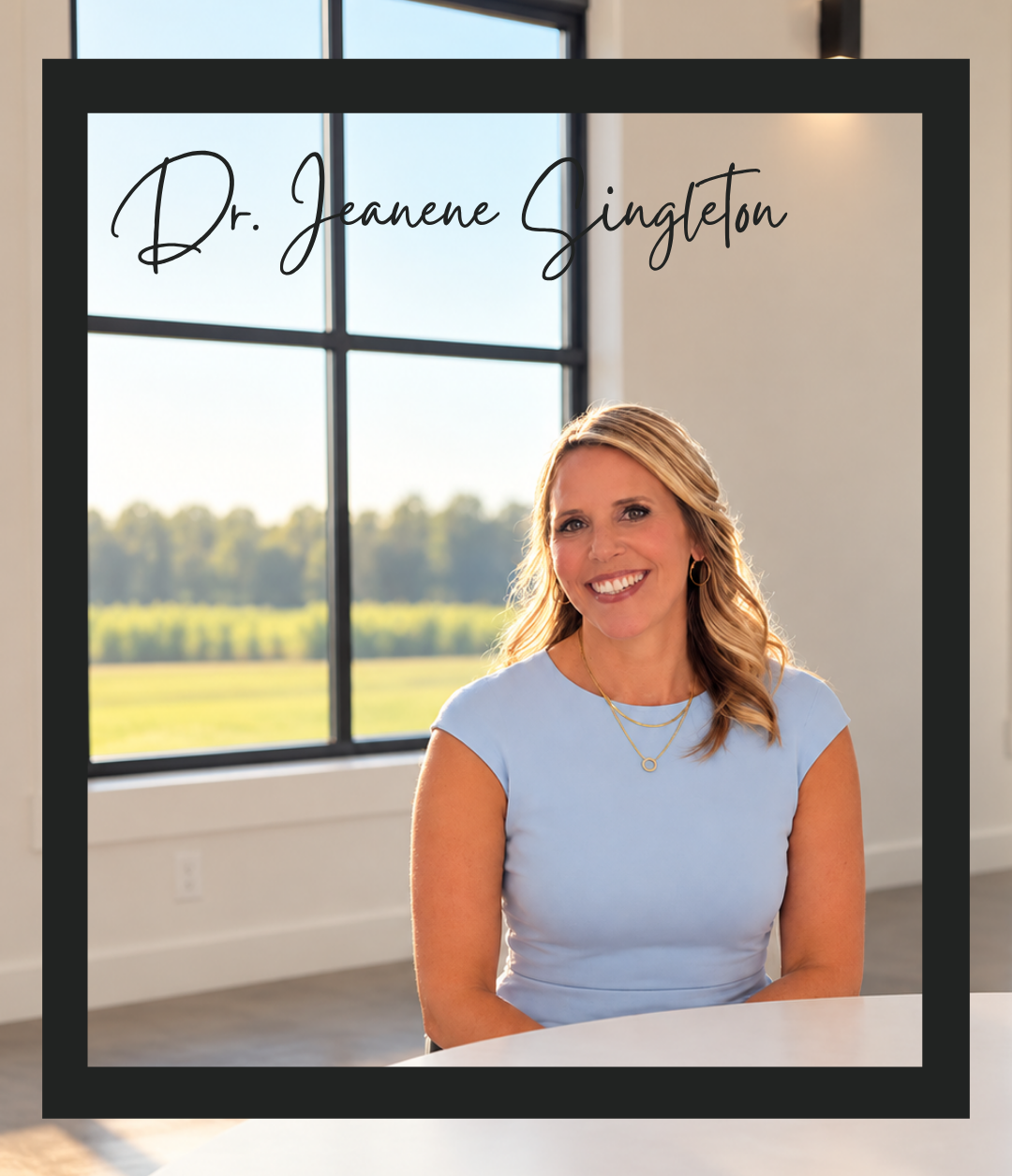
I’m a learning scientist. For 25+ years, I’ve worked at the intersection of learning, technology, and design — studying what holds attention and helps information land. That thinking shaped this system, too.
Now I spend less time editing and more time on the work—and the people—I made the videos for.
Real videos. Edited by chat.
One raw clip doesn’t have to look one way.
Choose from 6 styles and 40 layouts, set your own brand, and let Claude plan the edit around what you actually say — not force your video into a template.

Your content decides the edit. You make the final call.
Claude plans each video around what you actually say. Watch it in the live preview, chat through changes, and render when it feels right.
SAVE MY SPOT →A few things you might be are wondering.
Because the whole point is to make video editing simpler, not hand you another complicated workflow to figure out.
Will my videos all look the same?
No. You have 6 styles and 40 layouts, you set your colors, fonts and brand, and Claude plans each edit around what your video is actually saying — not a one-size-fits-all template.
Will it still sound like me?
Yes. It keeps your natural voice and pace. No sped-up chipmunk effect or unnecessary over-processing. Just you, clean.
Does Claude just edit whatever it wants?
Nope. Claude shows you the plan first. You approve it or tell it what to change before it edits.
Then you can watch the edit in the live preview, chat through changes, and render when it feels right.
Do I need to be techy?
No. I did the techy part. Setup is guided step by step, and the Setup Doctor checks what’s missing. After that, you talk to Claude in plain English. No code, editing jargon, or giant prompt library required.
Do I need CapCut or another editing app?
No. Claude builds the finished video itself. There’s no timeline and no separate editing app required.
What do I need to use it?
You’ll need a Windows or Mac computer, the Claude desktop app, and a paid Claude plan.
I’ll send waitlist members the exact system requirements before AI Editing Shortcut opens.
What if it won’t run on my computer?
If your computer meets the published requirements (including admin access to install software) and AI Editing Shortcut still won’t run, you get your money back.
Do I have to pay for updates?
No. When I fix something or improve the editing engine, you get the update free. There’s no subscription required to keep your editor working.
The community is completely optional. It adds new design packs, my tips, and first access to extras. Waitlist members get the first month free.
When does it open?
Soon, and for a short window. Waitlist members get the date first, their private link a day before the public, and 25% off the launch price.
AI EDITING SHORTCUT · WAITLIST
Record it. Approve it. Get your time back.
AI Editing Shortcut opens soon, for a short window.
Join the waitlist for a free Launch-Day Cheat Sheet today, first access a day early, 25% off when doors open, a free month in the community, and the demo before anyone else.
Doors open for a short time, then close.